GameSilently - Mute Games1.3
Publisher Description
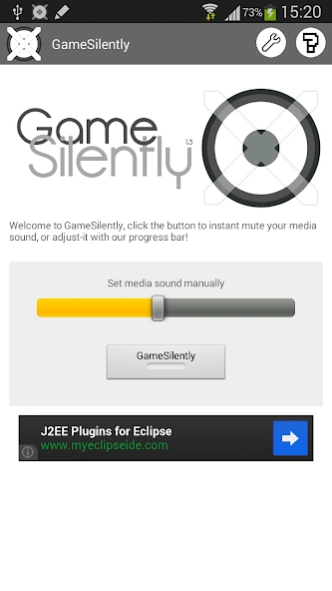
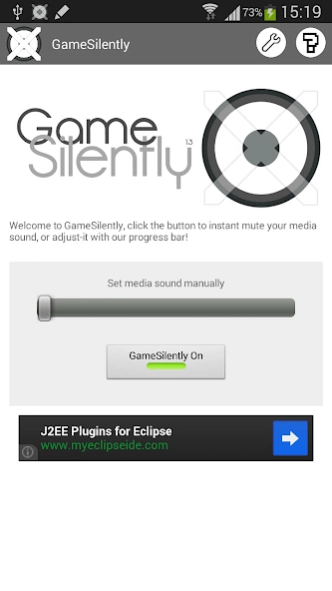
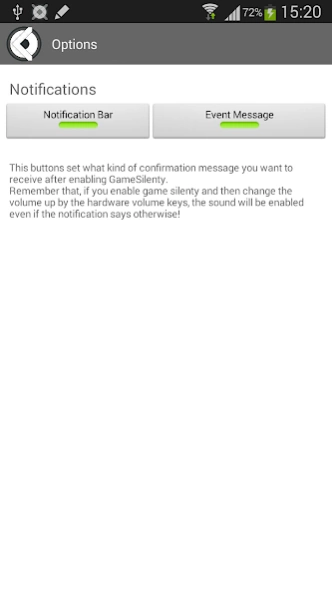

Make sure that you can play your games without making yourself (to much) noticed
GameSilently is a simple free app, to make sure that you can play your games without making yourself (to much) noticed.
This works by muting your media volume on the device, when muted with the app, a notification is shown so that you know that the sound is off.
You can swipe the notification away anytime or click on it to easly access GameSilently.
This app includes a widget for easier access!
The widget itself shows a message to confirm that the GameSilenty is On or Off
We keep the memory and cpu use in mind, so both the widget and the app will use the least resources possible!
About GameSilently - Mute Games
The company that develops GameSilently - Mute Games is redeTab. The latest version released by its developer is 1.3. This app was rated by 1 users of our site and has an average rating of 4.0.
To install GameSilently - Mute Games on your Android device, just click the green Continue To App button above to start the installation process. The app is listed on our website since 2014-03-26 and was downloaded 13 times. We have already checked if the download link is safe, however for your own protection we recommend that you scan the downloaded app with your antivirus. Your antivirus may detect the GameSilently - Mute Games as malware as malware if the download link to com.redetab.din4mic.gamesilently is broken.
How to install GameSilently - Mute Games on your Android device:
- Click on the Continue To App button on our website. This will redirect you to Google Play.
- Once the GameSilently - Mute Games is shown in the Google Play listing of your Android device, you can start its download and installation. Tap on the Install button located below the search bar and to the right of the app icon.
- A pop-up window with the permissions required by GameSilently - Mute Games will be shown. Click on Accept to continue the process.
- GameSilently - Mute Games will be downloaded onto your device, displaying a progress. Once the download completes, the installation will start and you'll get a notification after the installation is finished.
Program Details
System requirements
Download information
Pricing
Version History
version 1.3
posted on 2014-03-26
7 Jun 2012 (17:30) - 1.0 App launched on Google Play!
8 Jun 2012 (11:30) - 1.01 Updated to verson 1.01 -> better layout on large screens, other minor improvements.
9 Jun 2012 (11:30) - 1.1 Added Widget for easier access!
25 Jul 2012 (02:42) - 1.2 New Design and interface, added bd functions for preferences, and other "tweeks"!
7 Ago 2012 (01:08) - 1.21 Landscape mode fix, minor about fix on tablets
26 Mar 2014 (15:16) - 1.30 New design, new notification system (using android support library)
version 1.21
posted on 2012-08-06
Several fixes and updates
